Thanks, Sam. all I lack is touching up the velocity stacks and the engine will be done.
1 Like
Thanks, Peter. Once I touch up the velocity stacks, I can give full time to the whale tail
1 Like
these are the latest wips not the last ones I said were.
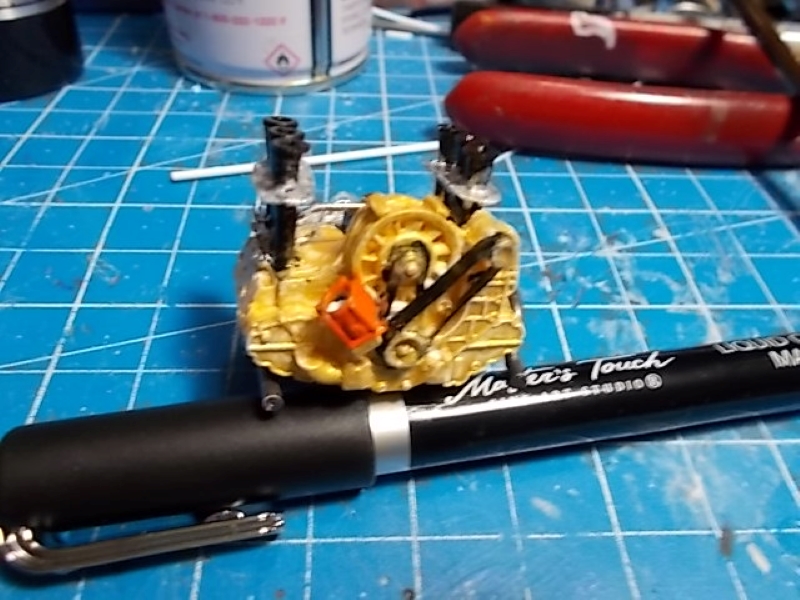
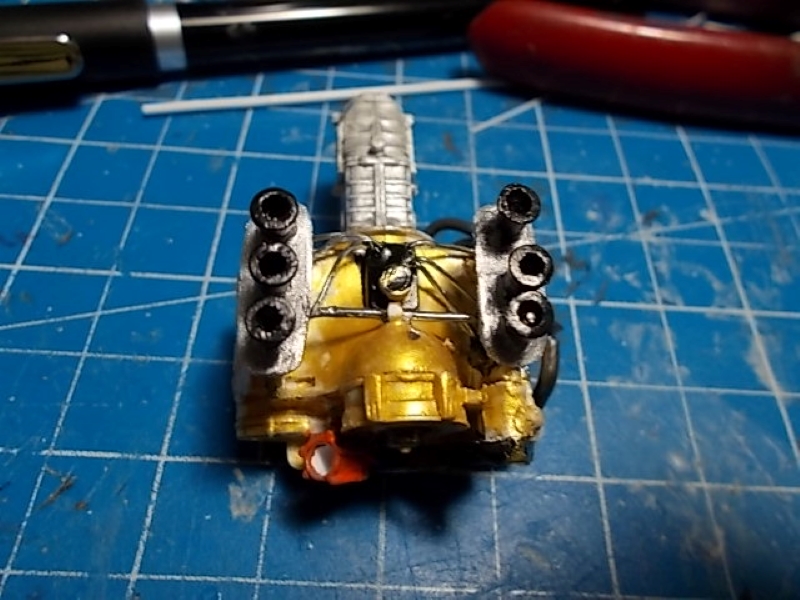
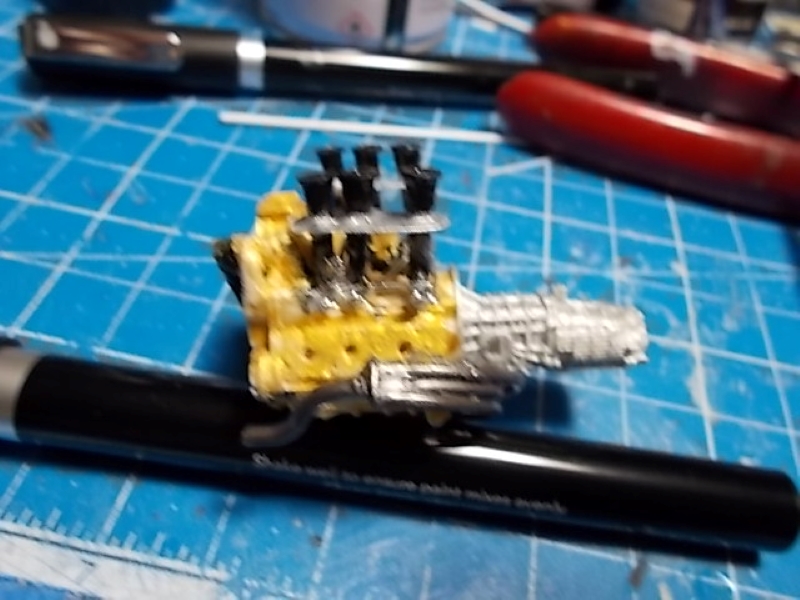
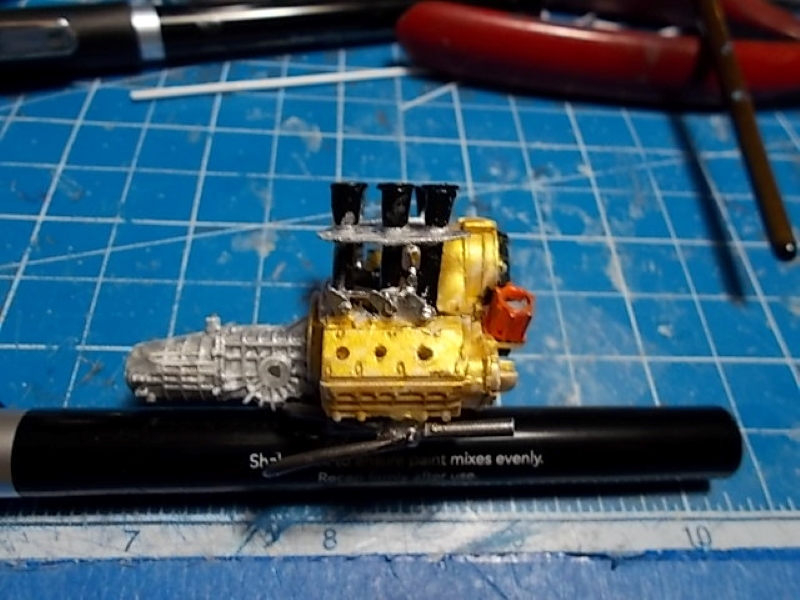
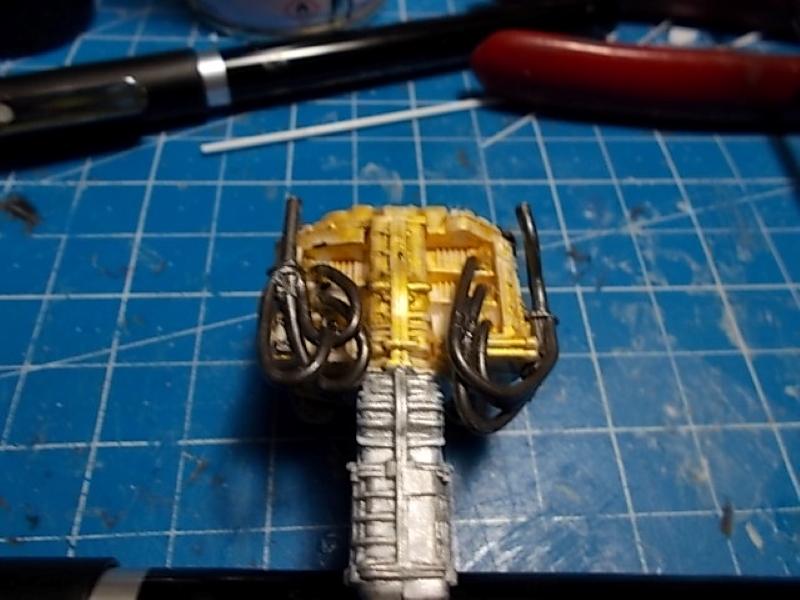
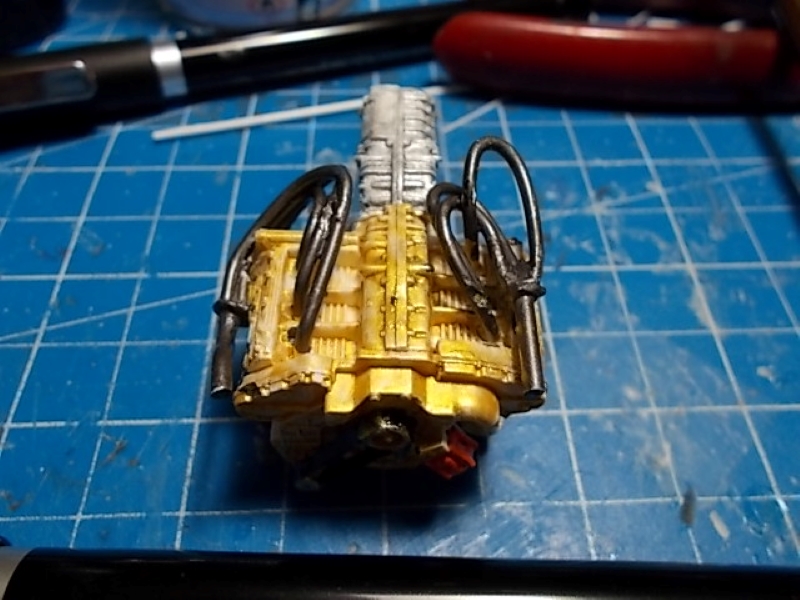
4 Likes
The details are really coming out now. The metallics on the headers look great!
1 Like
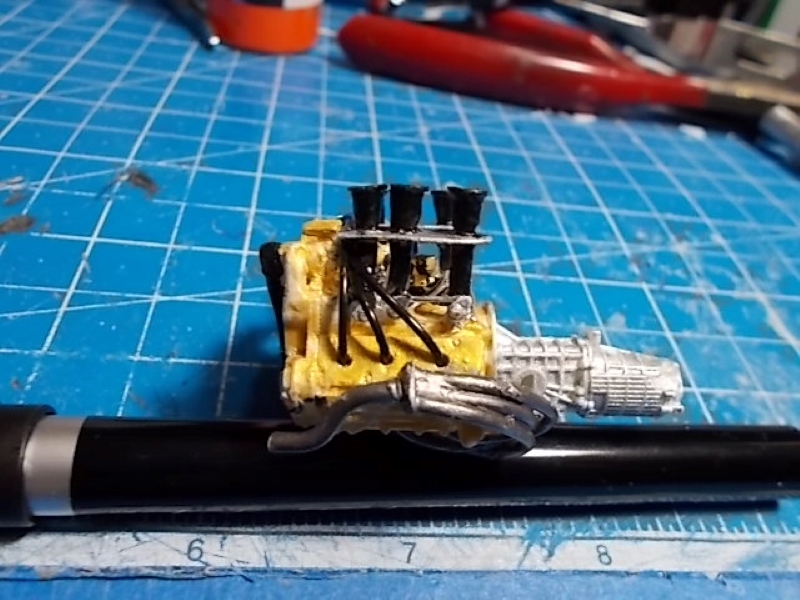
Thanks, Peter. I chose steel for the headers color.
1 Like
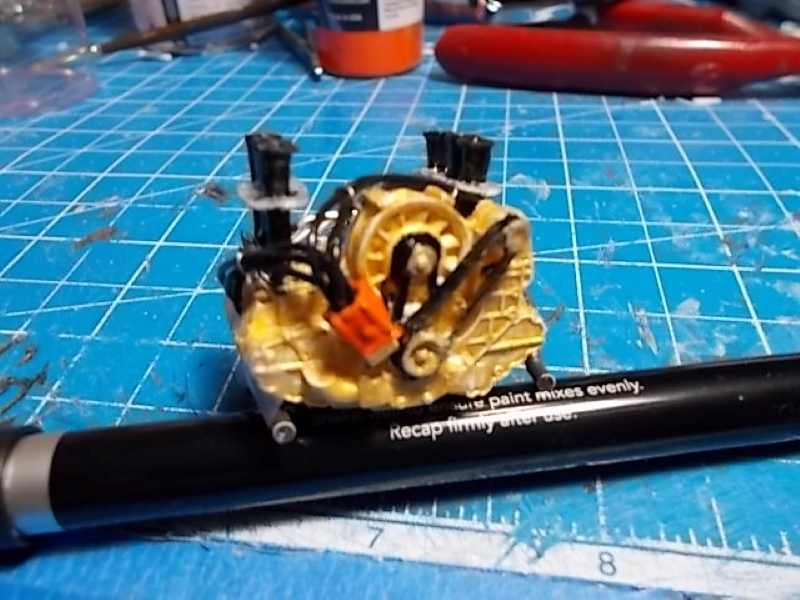
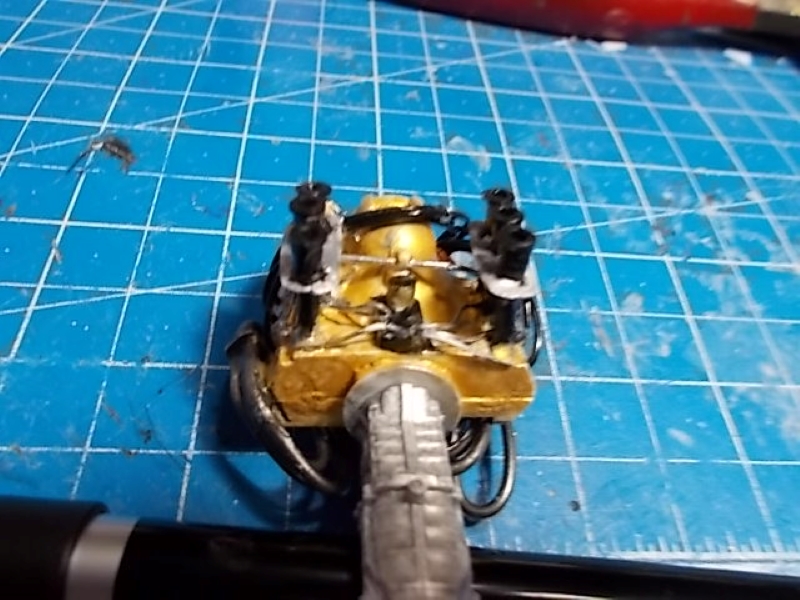
The engine is finally complete. Now on to the body
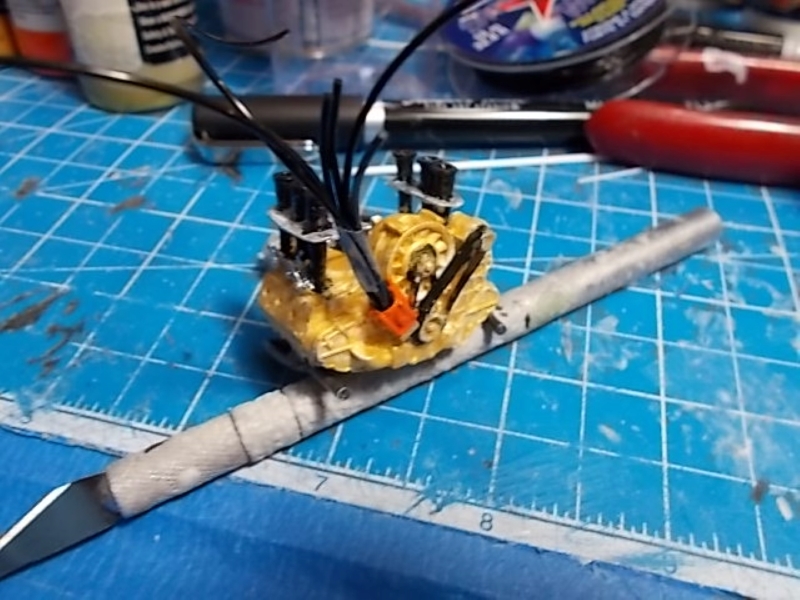
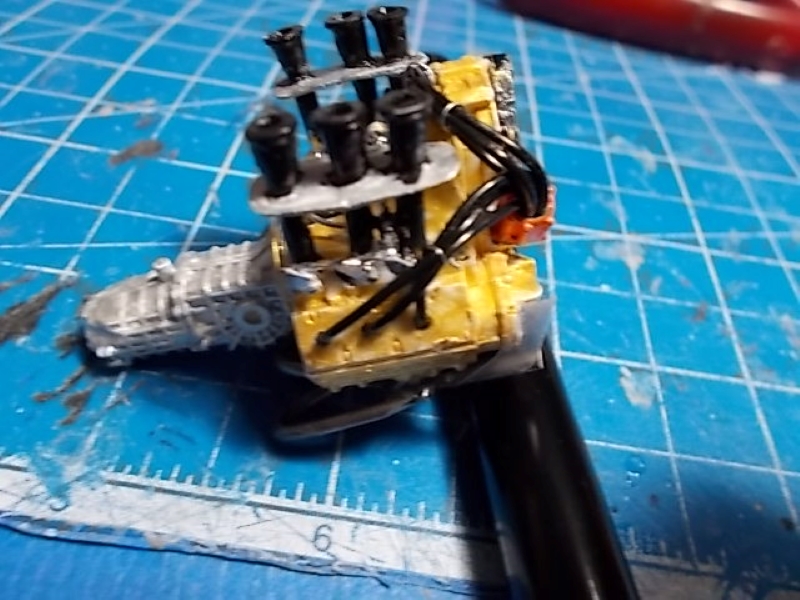
5 Likes
Nicely done, I like the way you wired the engine. Looking forward to seeing how you pull off the whale tail. Fun to watch this build.
1 Like
Thanks Peter. I’ve already started on the whale tail, and it is going much faster than the engine did. Plus, it won’t be painted until I paint the whole body. Hoping for some wips of it this afternoon.
2 Likes
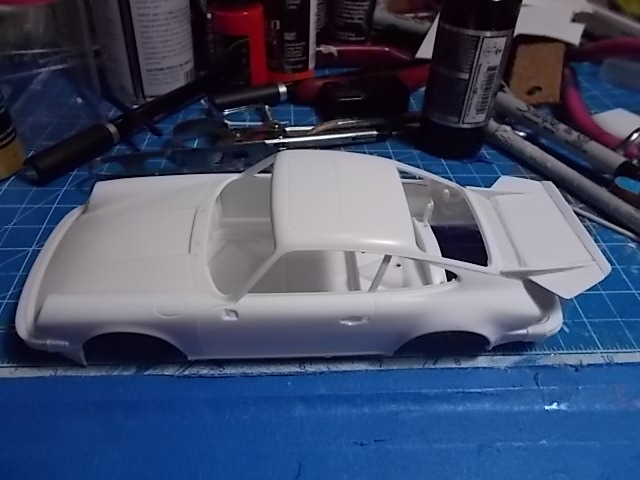
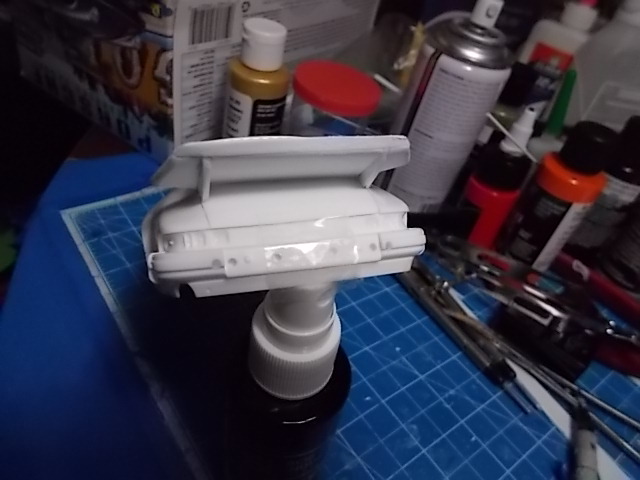
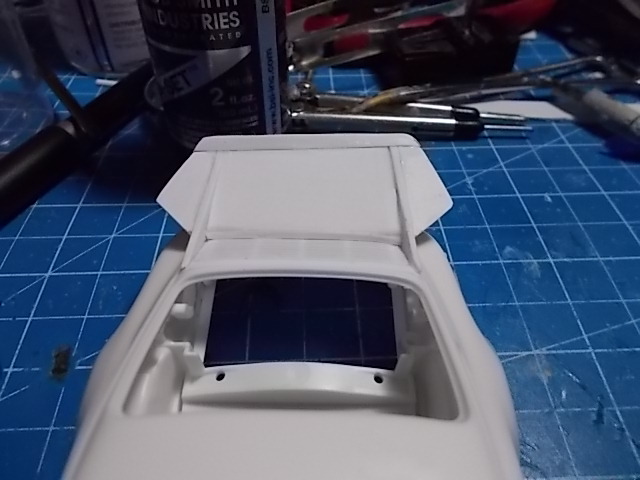
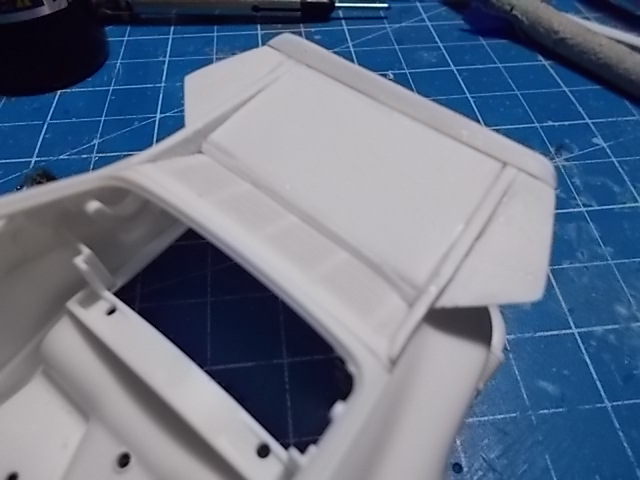
Here are the last wip photos of the whale tail. It is finished. As usual the focus is not that good because of the quality of my camera, but you can get the idea of what’s going on here. Hopefully I can get a better camera before I do the final photos of the model.
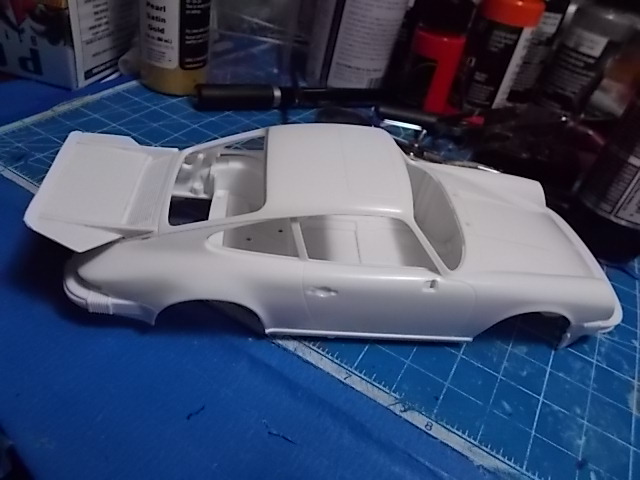
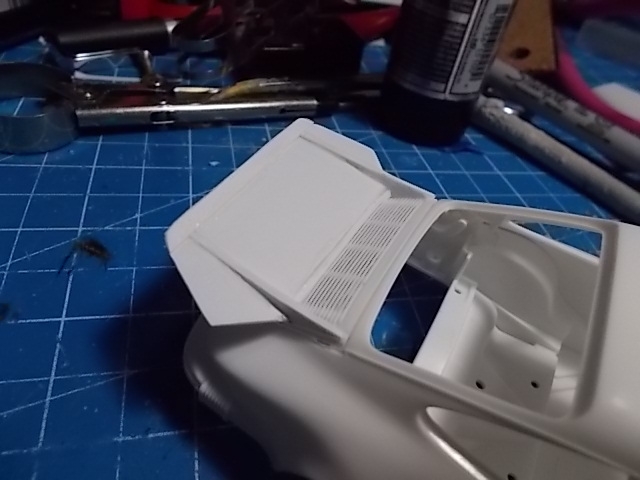
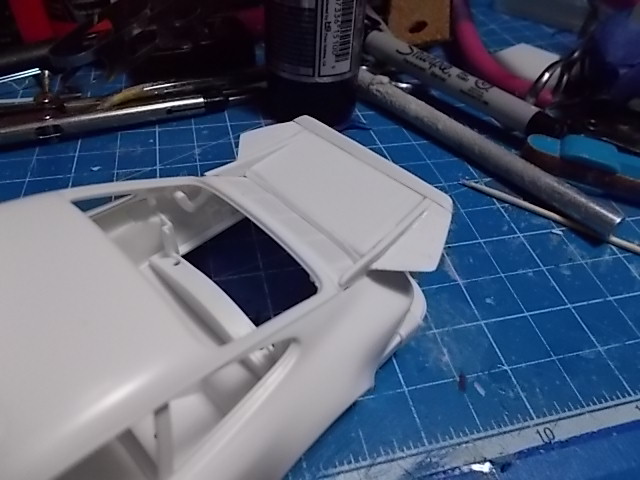
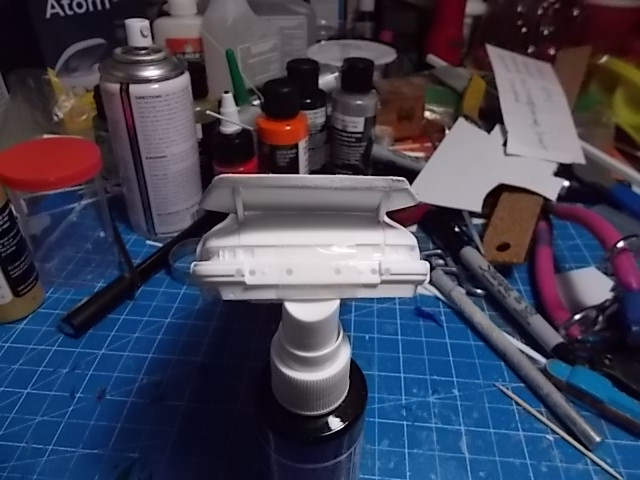
4 Likes
Great job! That will produce some down force alright. Looks nice on this 911. Looking forward to seeing how you finish this one off.
Thanks, Peter. I did some more sanding and added some putty in some spots so I could get all the joints smooth so I can prime the whole trunk /whale tail assembly. I’m hoping it will look like it came in the kit when you see the final wip photo of this assembly.
2 Likes
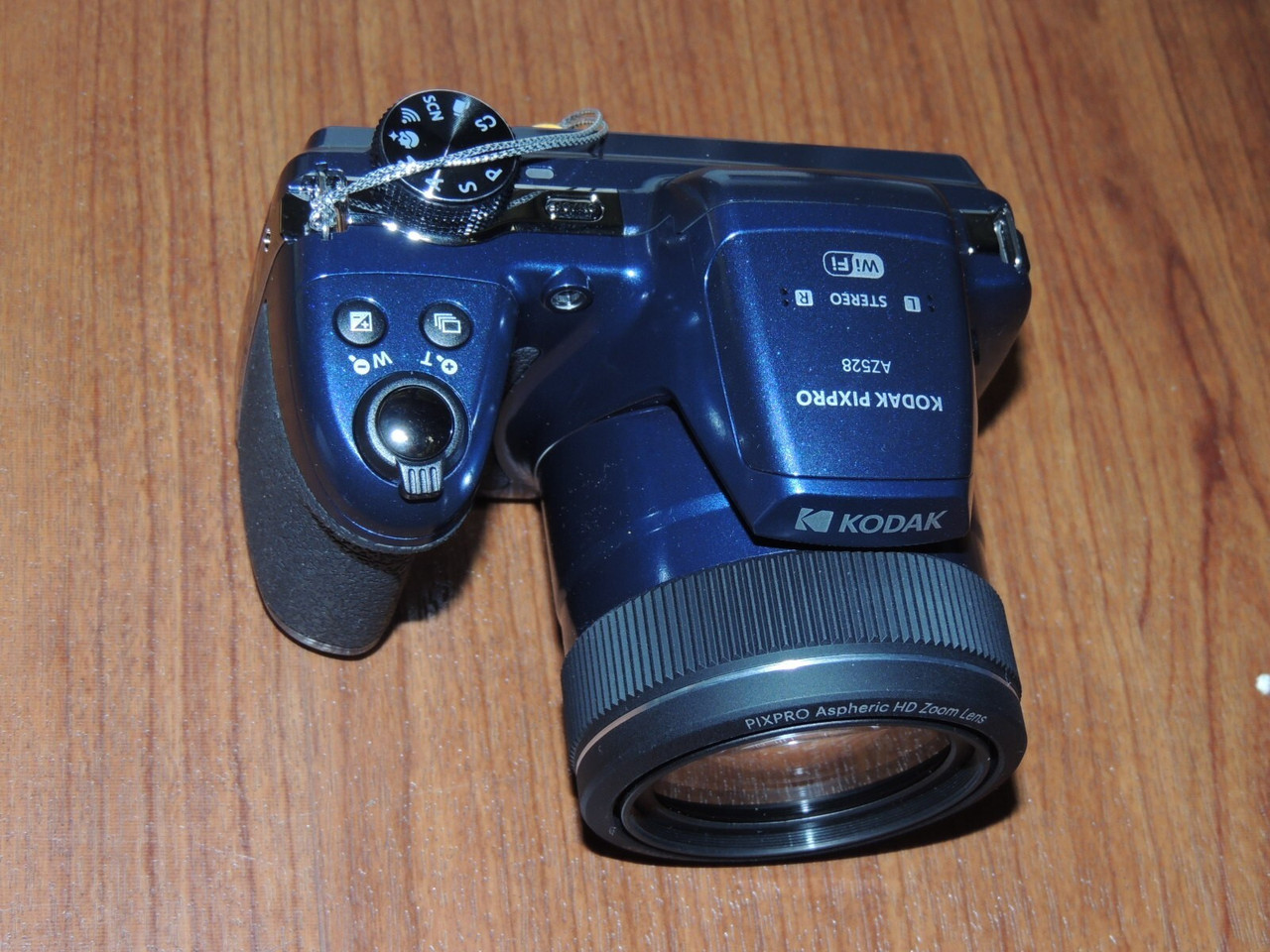
I bought a new Camera that would not work because the memory is full. A Kodak rep sent me some items that I will need when they walk me through the fix tomorrow. The next wips you will see here will be sharper and bigger than the ones you have been seeing. It’s a Kodak PIXPRO AZ528.
1 Like
I absolutely hate white paint - it’s my kryptonite!
Before you go spending more money for Kodak help, let me ask you a few questions:
-
Is there a ‘port’ on your camera for a USB cable?
-
Is there a slot or covered space for an SD Memory Card?
There should be both on your camera.
Here are the ‘quick’ specs on your camera from me copy pasting your camera model into Google:
-
Sensor: 16.35MP 1/2.3-inch BSI CMOS sensor
-
Lens / Zoom: 52x optical zoom (24–1248mm 35mm equivalent), F2.8–F5.6
-
Video: Full HD 1080p video recording at up to 30 fps
-
Display: Fixed 3.0-inch LCD screen (no optical viewfinder or EVF)
-
Connectivity & Storage: Built-in Wi-Fi (iOS/Android remote control), SD/SDHC/SDXC support up to 32GB, and a rechargeable LB-060 Li-ion battery (approx. 240 shots per charge)
-
Shooting Modes: Auto, Program (P), Shutter Priority (S), Aperture Priority (A), Manual (M), Scene modes, and 6 fps burst shooting
According to those, you should have both those features on your camera. On my old Canon T1i and T2i cameras, those ports are covered by a flexible rubber plastic cover for each of them. If your memory is full, it means your Card is full of pictures. You can normally either remove the SD card and place it into an SD slot on your computer, download the images, then delete them off the card and reinsert the card.
If you find the USB port (most are micro USB C for the camera end and standard USB for the computer end) you can get a USB cable (if it doesn’t already have one that came with the camera) and attach the camera to your computer via the USB cable from your camera port to any USB port on your computer.
Most cameras will automatically be ‘seen’ by the computer when you plug the cable from camera to computer and then turn on the camera (IMPORTANT, ALWAYS connect the camera via the cable THEN turn it on). Any Windows system from Win7 up automatically will ‘see’ the camera and allow you to upload your photos to the computer and view them with default photo viewing software without you having to buy anything else.
I know it’s considered ‘normal’ for folks with new things to want to trust the maker of the product to help ‘fix’ issues, but you have a forum full of folks who also know cameras as well as models. Pretty sure we can help you sort it.
I know I can.
1 Like
Thanks for the info but it’s all cost free to me, and I will let an expert walk me through the process to get this baby working. Like I said there is a glitch in this camera and if you bought one you would encounter this same glitch and have to call Kodak as well to get the free stuff you would need and the guidance. Tomorrow I will finally be able to use this camera. Thanks again for your input.
1 Like
I agree Veedub. I don’t like it either.
1 Like
Looks like a nice camera @MarkJK.. Once you get it dialed in, it should really produce great results. Looking forward to the new images. 
Peter, I’m waiting for the kodak rep to text me to tell me to call her for the fix on the camera. She has been having her IT guy working on a fix for me and as soon as he tells her the fix, she will text me.
I have to ask: HOW did you bend styrene tubing to make those headers? My go-to is lead solder. Almost every attempt to bend styrene tube or rod results in unacceptable spring back. Thanks.
1 Like
@dunniteowl is spot on here, and he really went above and beyond digging into the camera specs and laying out the options.
I’ve been a professional photographer since 1998, and I’d be happy to help too. Chances are this is a pretty basic issue, and between a few of us here I’m pretty sure we can get you sorted out if Kodak doesn’t.