Something for the artillery fans here.

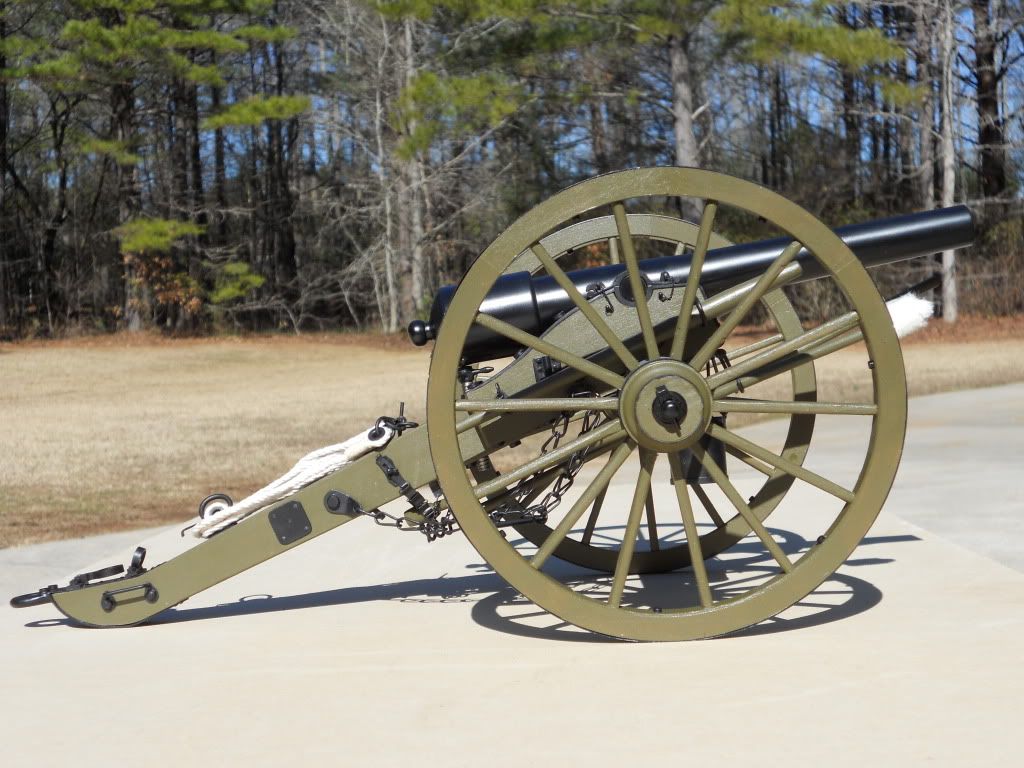
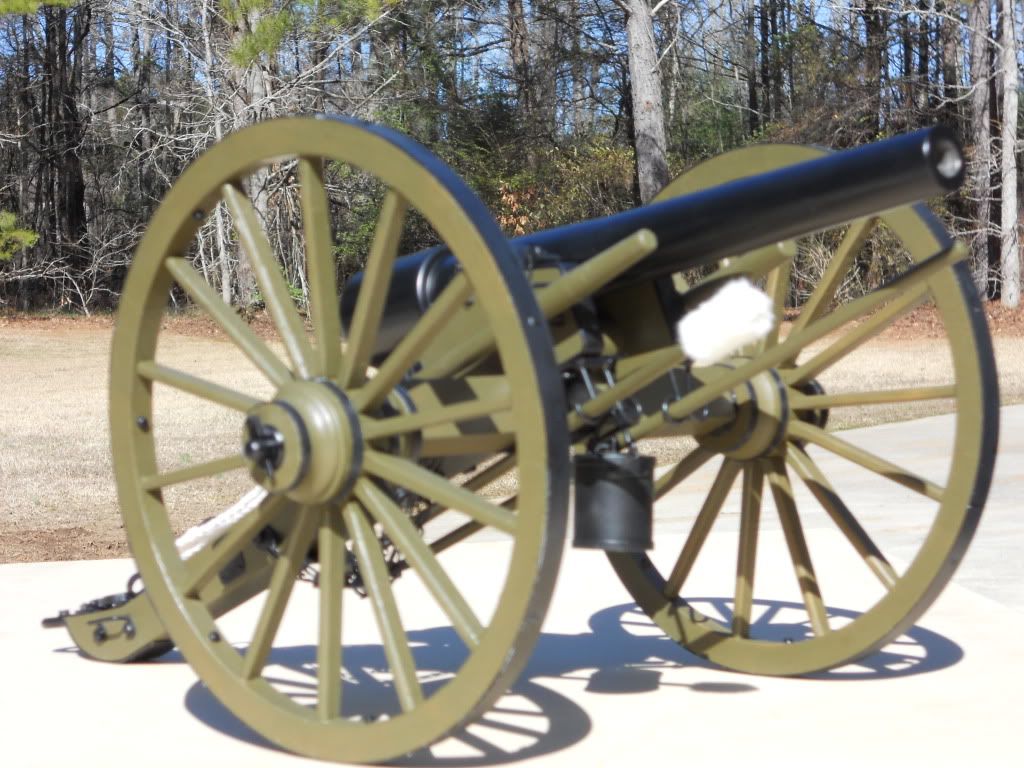
A three year scratch build resulted in the cannon shown below. In 1/8" = 1 inch scale the finished product sizes out at 17" L x 10" W x 7" H. 435 hand-made pieces. It won a gold in intermediate scratch-building at the Atlanta AMPS in February. Here is a link to some more photos of the project. Hope you like it.

http://s254.photobucket.com/albums/hh101/gdfrost/Cannon%20pictures/

http://i254.photobucket.com/albums/hh101/gdfrost/Cannon%20pictures/finishphotos010.jpg

I have never posted a photo here, so I’m crossing my fingers!

Pretty nice. It looks like a US Civil War 6 pounder. Good job on it.

Here is the working link to your PhotoBucket album on it.

You’re on the right track. Just click the image with [IMG]… next time and you should get it.

Excellent. I like Civil War stuff.

It didn’t work it cut off the end.

I am still not clear what I need to copy to embed the image into my post so that it shows a picture. Specifically what in the drop down menu on Photobucket must I copy for the image to appear?

By the way, it is a 3" Parrott rifle.

Copy and paste the very bottom option IMG code that starts [IMG]… and ends with IMG.

Simplest thing when you see your image at full size, right click on it. Select copy image location. Page that into the forum with

[-img]******[/img-] without the -s at the start and end, they are there so it will show up.

Thats a very nice cannon, any chance you modified it so it can fire HE rounds :D?

The very bottom option listed as IMG Thumb is followed by a URL tag - no image code to be found. I have also tried to “copy” the full size image and paste it into a reply and all I get is a URL embed. Can you not see what you embed in the preview pane? Will this forum also not allow edits of your own posts either? I’ve had no problems on other fora embedding photos into the posts so I don’t know what’s wrong. Thanks for the help, but something isn’t working on my end.
Very nice. Nothing like a true scratch build. Outstanding

Rounds Complete!!