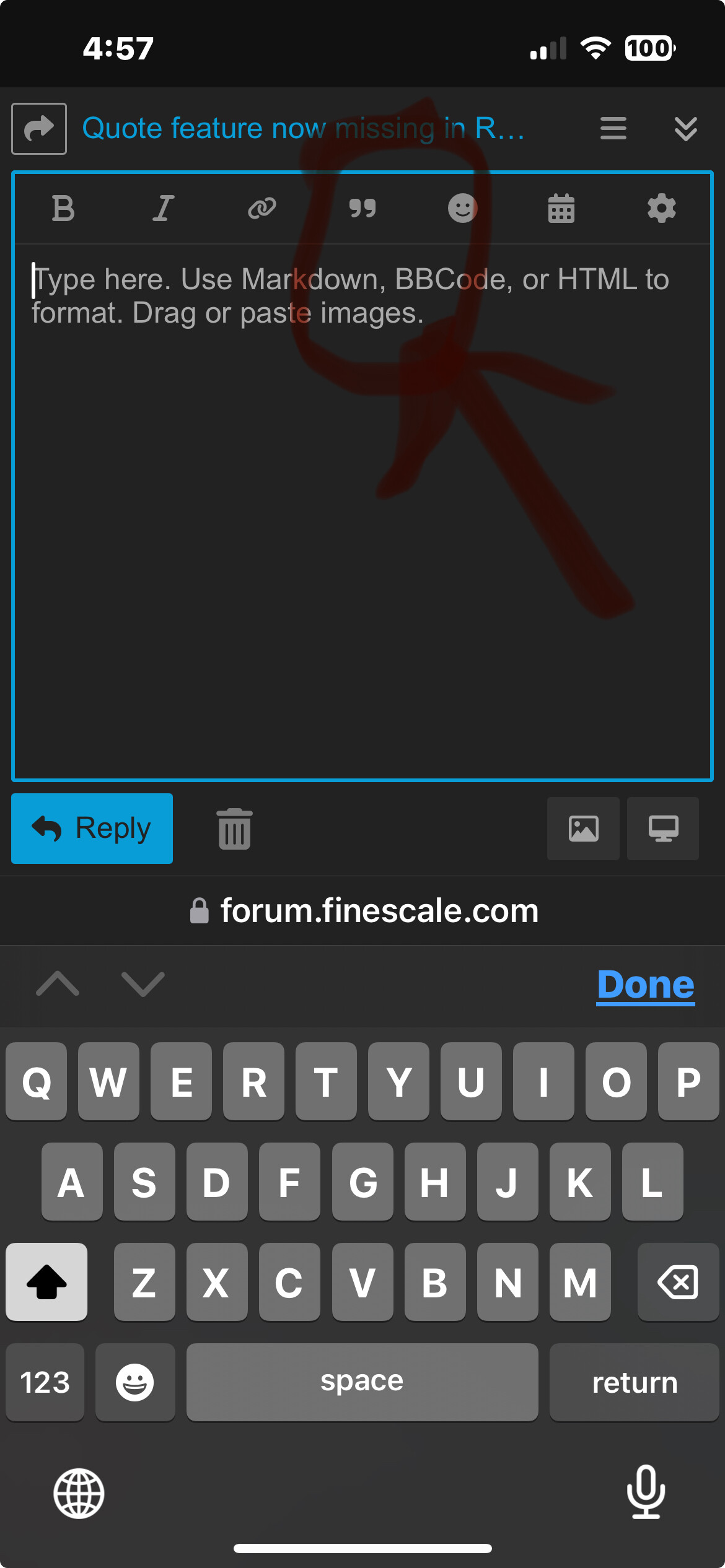
The quote feature in replies is now missing from the editor.
It was the first icon in the tool bar, but it’s no longer there. Was it removed, or is this a bug with the software?
There is a block quote feature, but it doesn’t work the same way.
The quote feature in replies is now missing from the editor.
It was the first icon in the tool bar, but it’s no longer there. Was it removed, or is this a bug with the software?
There is a block quote feature, but it doesn’t work the same way.
I browse from a phone and tablets but I still have the quote feature in the tool bar, but also I can just highlight text and a quote option pops up as well.
I noticed this as well. The Block quote feature doesn’t work the same way. Something changed over the past week-ish.
Hi guys,
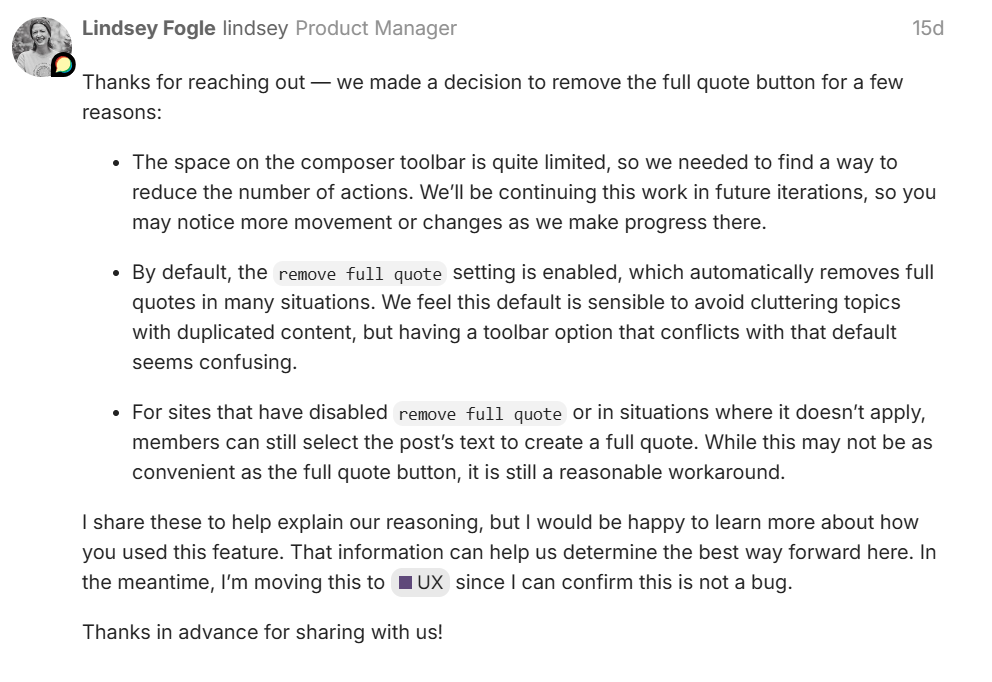
Discourse just pushed out an update. I’m taking a look into why the button disappeared. As you pointed out, the highlight text and quote feature still works. The button automatically quotes everything from the post you were replying to. I’ll report what I find.
Thank you for the update… And I learned a new feature this morning. I think I can go home now. 
@#$%^& product owners/business analysts! We call this ivory tower software development.
As far as my perspective as a Discourse user goes:
If you’re passing our feedback along to Discourse, that’s my own experience.
 Tim_Kidwell1
“@#$%^& product owners/business analysts! We call this ivory tower software development.
As far as my perspective as a Discourse user goes:
If you’re passing our feedback along to Discourse, that’s my own experience.”
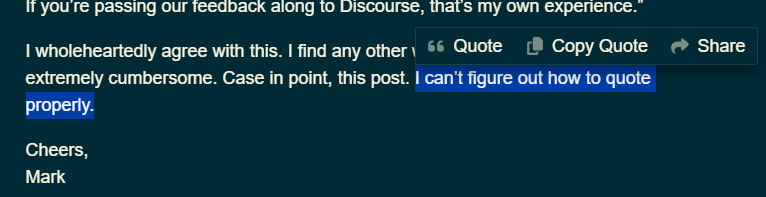
I wholeheartedly agree with this. I find any other way other than what was there before extremely cumbersome. Case in point, this post. I can’t figure out how to quote properly.
Cheers,
Mark
Just select the text you want to quote. A pop up menu bar appears, select “Quote” and the reply box appears with the quote. Then you just start typing.
Okay, selected the text, but that took about six attempts. Maybe that part is easier on a desktop than an iPad? 
Beyond that, and up to this point, I’d been using the “copy quote” action, which appears useless (to me). Might have the hang of it now, but still more cumbersome than the single button action removed. Anyway, thanks.
Mark
Agreed. But what I think they were trying to do is clean up posts a bit. The single button quote would quote the WHOLE post. Some posts are very long, so the quote button would just perpetrate longer and longer posts. Whereas the “select/quote” option gives you a clean quote for the bit you’re trying to make a point about. ???
Yes, that occurred to me as well and I agree. Personally, I edited any quotes I included to highlight only that which I was addressing. But I can see how that would be a reason to get rid of it.
Cheers,
Mark
This is very much what they were thinking. I don’t agree with them taking the button away, but it was very easy for me to highlight the quote above, click quote, and the response box automatically appeared and I started typing. I got the quote I wanted right away and didn’t have to do any editing. From what I gather, it’s a return to what Discourse had originally, the button was added, and now it’s gone. It wouldn’t surprise me if it’s added back in a later update.
If enough users speak up about it, they might be convinced.
When it first happened, there was a big push to get it back, which is where I got the original response from the devs. It’s died out since. Mostly admins trying to figure out what had happened. No complaints or questions in the last two weeks. With the number of forums that run on Discourse, 42 messages is a drop in the bucket.
Is that 42 messages in FSM, across all customers using Discourse? That’s what I mean.
Across all of Discourse. It flared up and died away. No conversation about for more than two weeks now. So, I’m ammending my previous statement and saying it’s probably gone gone.
Is that on a desktop or tablet? For me, on a desktop…easy peasy. On my iPad, next to impossible. Unless I’m missing something, my finger just does not want to highlight text. I don’t use my iPad exclusively for the forum, but I do use it a lot and I find it most annoying when I can’t highlight text for a quote while on it.
Cheers,
Mark
I did the previous one from my iPhone. I did this one from my laptop with a trackpad.